04 / CLOUD & DEVOPS / CASE STUDY
Dockerized Application on EC2
From a web application to a repeatable Linux container deployment.
Documented deployment lab Inspect source on GitHub ↗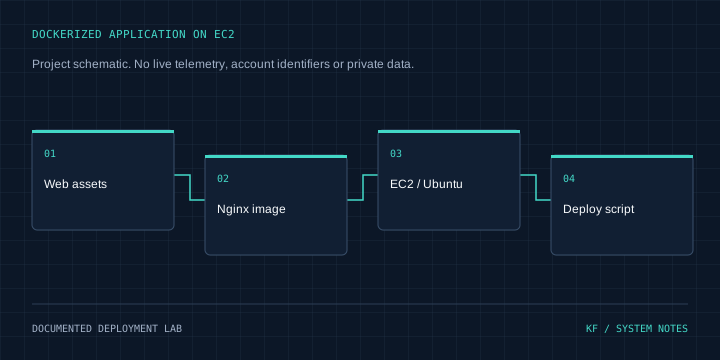
Architecture
Web assets → Nginx image → EC2 / Ubuntu → Deploy script
Problem & context
A restaurant application needed a consistent build/start workflow and a workable host/container port arrangement.
Objectives
Deploy the application to EC2, package it in Docker and automate the update sequence.
My role & project work
Containerized the Velvet Restaurant application with Nginx, deployed it on EC2 Ubuntu and used a Bash deployment script to rebuild and restart the container.
Technical implementation
The README describes EC2 setup, Docker/Nginx configuration, restart policy and operational log/resource checks. Repository screenshots show a successful nginx:alpine image build and a completed deploy.sh execution on the EC2 host.
Engineering decisions
Use a small static-web container and automate the build/stop/run sequence. Treat this as a single-host lab rather than claiming a rolling or zero-downtime release.
Challenges & solutions
A host Nginx process occupied port 80. The documented troubleshooting resolved the bind conflict; the deployment command also required the correct Docker build context.
Testing & verification
Reviewed README.md and selected EC2 build/deployment screenshots at revision 8ae9704329ede935e824b318f522506dae95a820. The successful script run is historical evidence; the Dockerfile and deploy.sh are visible in screenshots but are not standalone tracked source files in this repository.
Current status
Documented practical deployment. Current instance operation, HTTPS certificate state and uptime were not checked. No live IP is promoted as a current demo.
Lessons & next steps
Host services and container ports must be coordinated. Checking the build context, container logs and restart behavior gives a practical troubleshooting sequence.