06 / CLOUD & DEVOPS / CASE STUDY
AWS RDS Networking & Database Lab
Documenting a database tier with explicit network boundaries.
Documented lab Inspect source on GitHub ↗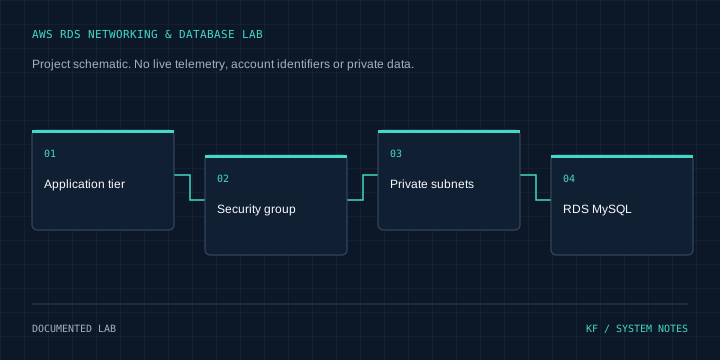
Architecture
Application tier → Security group → Private subnets → RDS MySQL
Problem & context
A database should be reachable by its application tier without broad public network access.
Objectives
Practice RDS MySQL subnet placement, application-to-database connectivity and access rules.
My role & project work
Documented an RDS MySQL lab covering private DB subnet groups, application-security-group ingress and connection checks.
Technical implementation
The README records creation of a DB subnet group, MySQL ingress restricted to an application security group, disabled public access and database connection verification. It also discusses Multi-AZ and managed credential storage.
Engineering decisions
Express database access in terms of the application tier rather than open internet ingress. Keep conceptual discussion separate from demonstrated deployment results.
Challenges & solutions
Database connectivity depends on subnet placement and security-group rules. Current failover and restoration results require execution logs that are not supplied in the repository.
Testing & verification
Reviewed README and the architecture asset inventory at revision f8566401b686ab69cf27b67c299c60e13fa0c2dc. No IaC, automated database tests or measured failure logs are present. The README's service descriptions and cost/performance statements were not adopted as verified claims.
Current status
Documentation-backed lab. No measured recovery time, data-loss guarantee or current AWS deployment status is claimed.
Lessons & next steps
Subnet groups, connectivity tests and least-privilege ingress form useful practical evidence. A reproducible restore exercise would strengthen the project.